Set an expiration date on signature requests
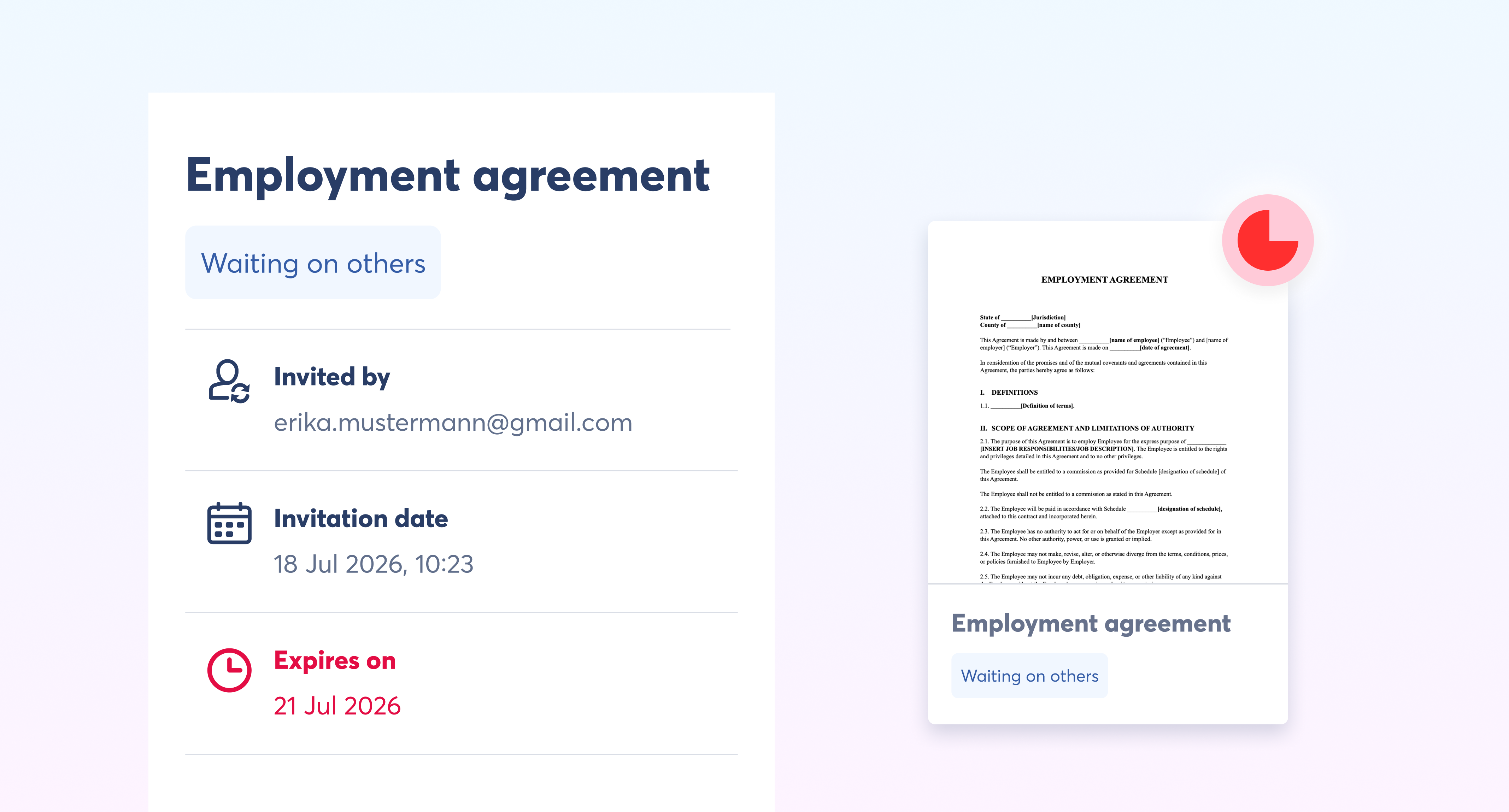
You can now give a signature request a deadline. When you send a document for signing, set an expiration date and the request closes automatically once that date passes.
No more chasing signatures on a document that's no longer relevant, and no more manually withdrawing stale requests. You can now set it and forget it.
How does it work?
Set the expiration date in the final step of sending a signature request.
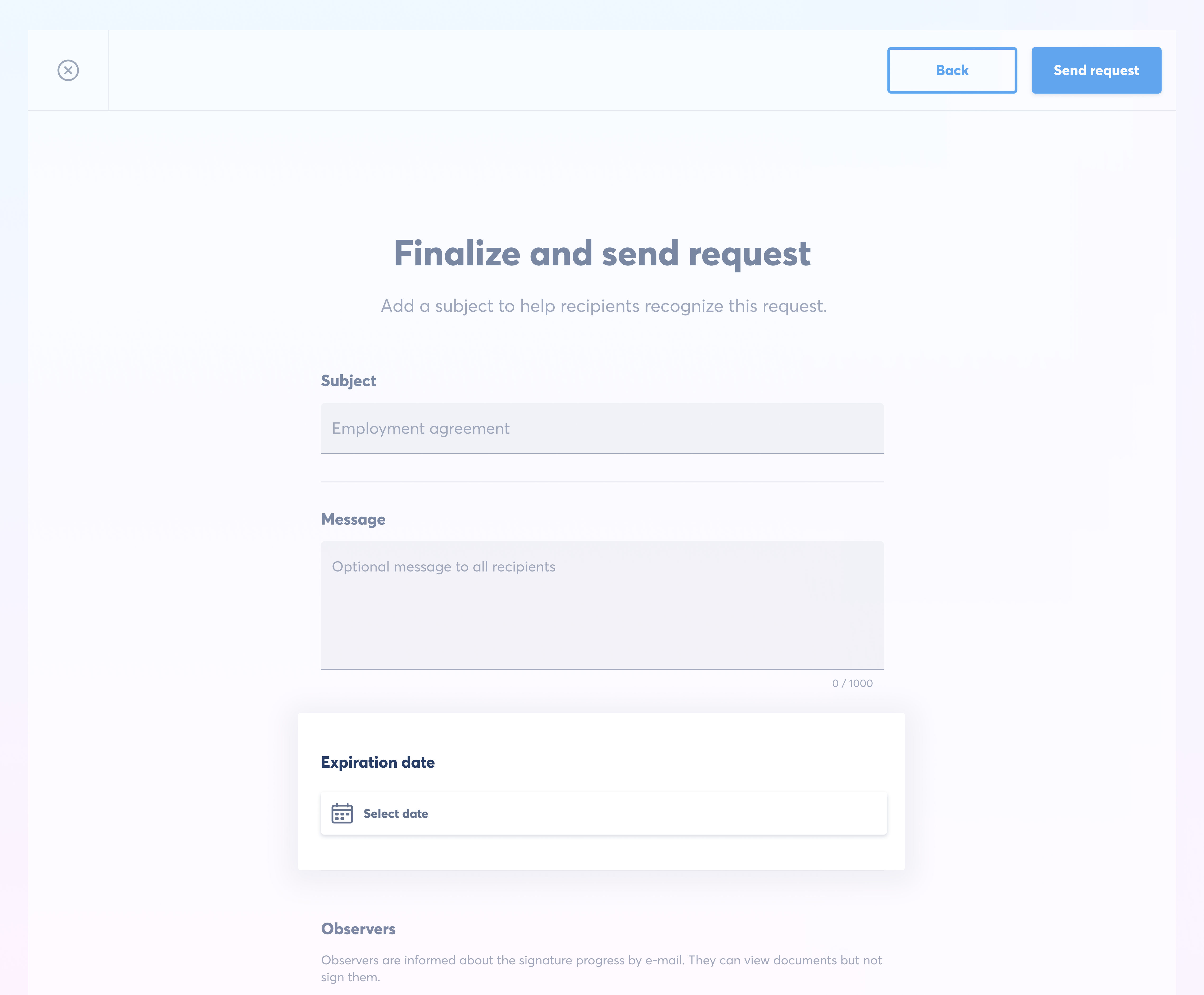
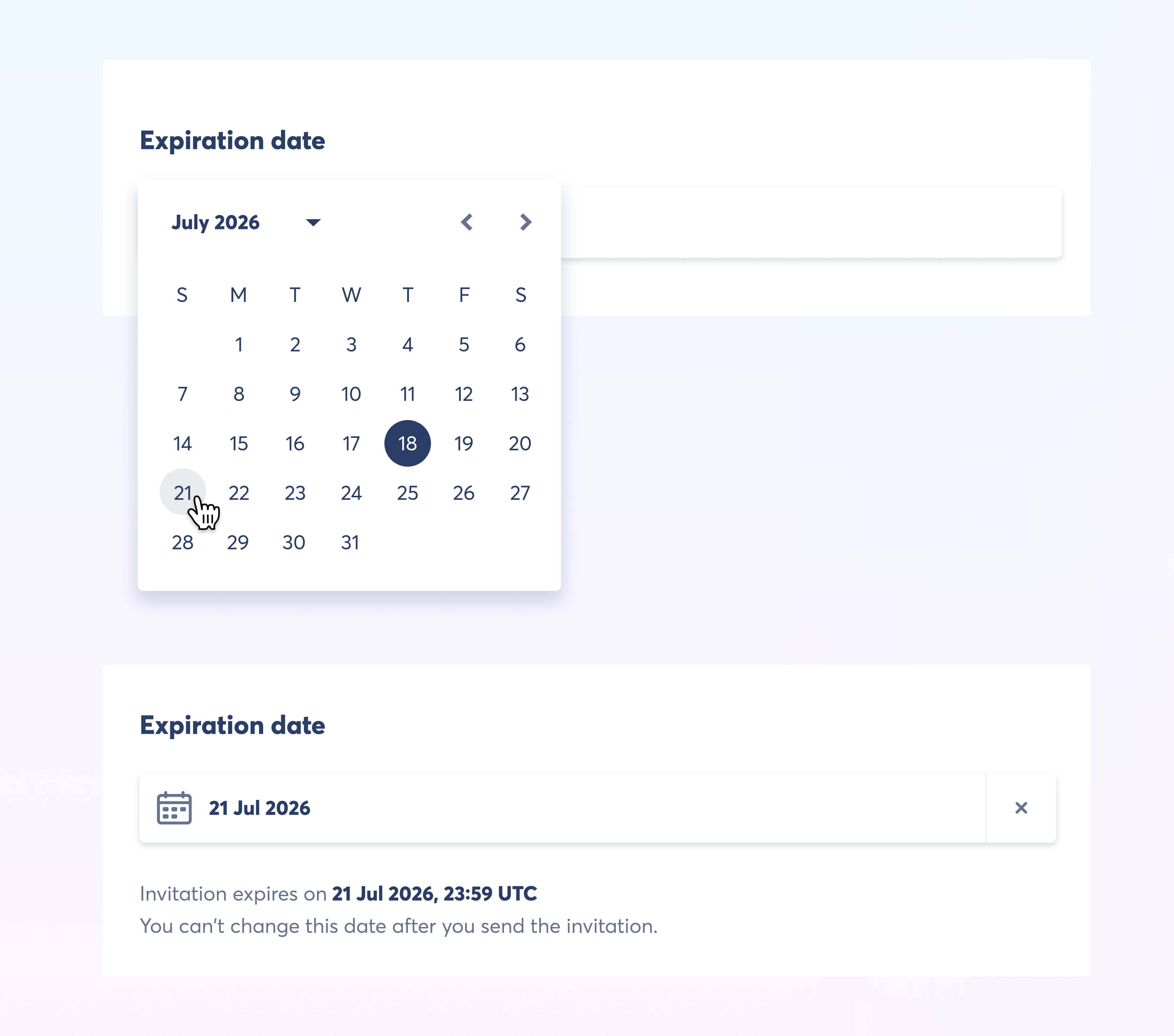
The request expires at 23:59 UTC on the date you choose. Once the invitation is sent, the date is fixed and can't be changed.
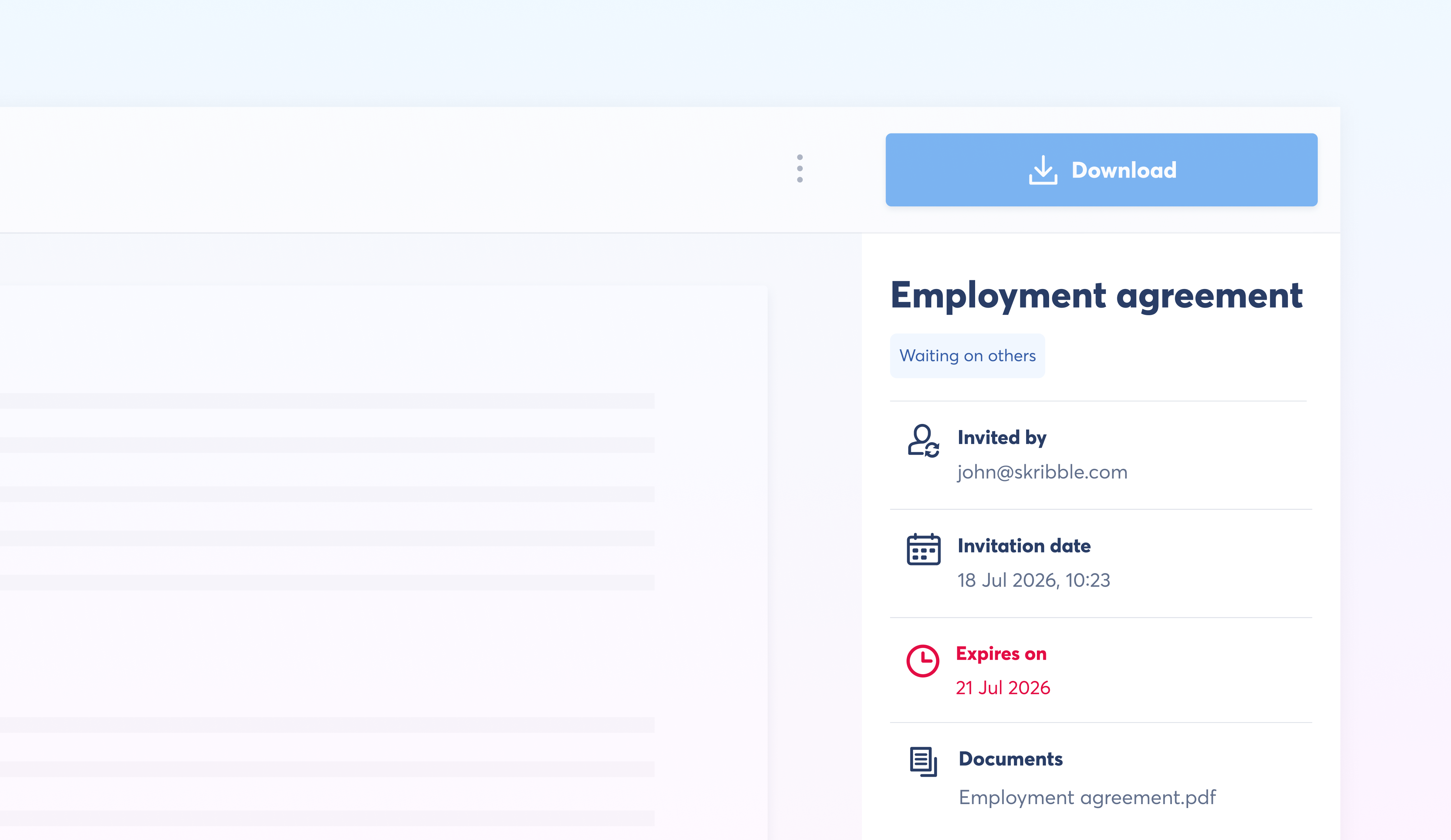
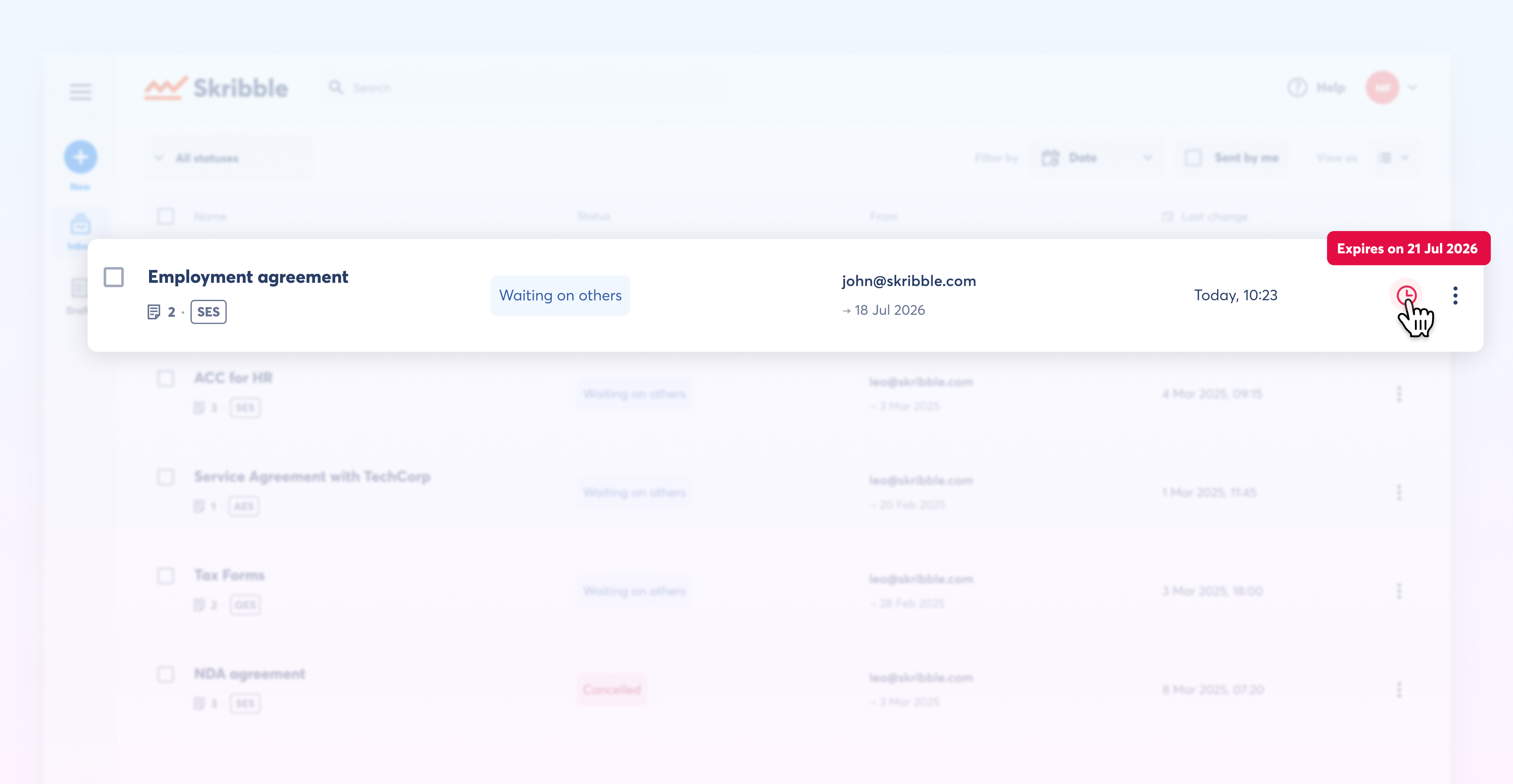
Once sent, the expiration date appears in the sidebar of the signature request viewer, where all signers and observers can see it. Also in your inbox.
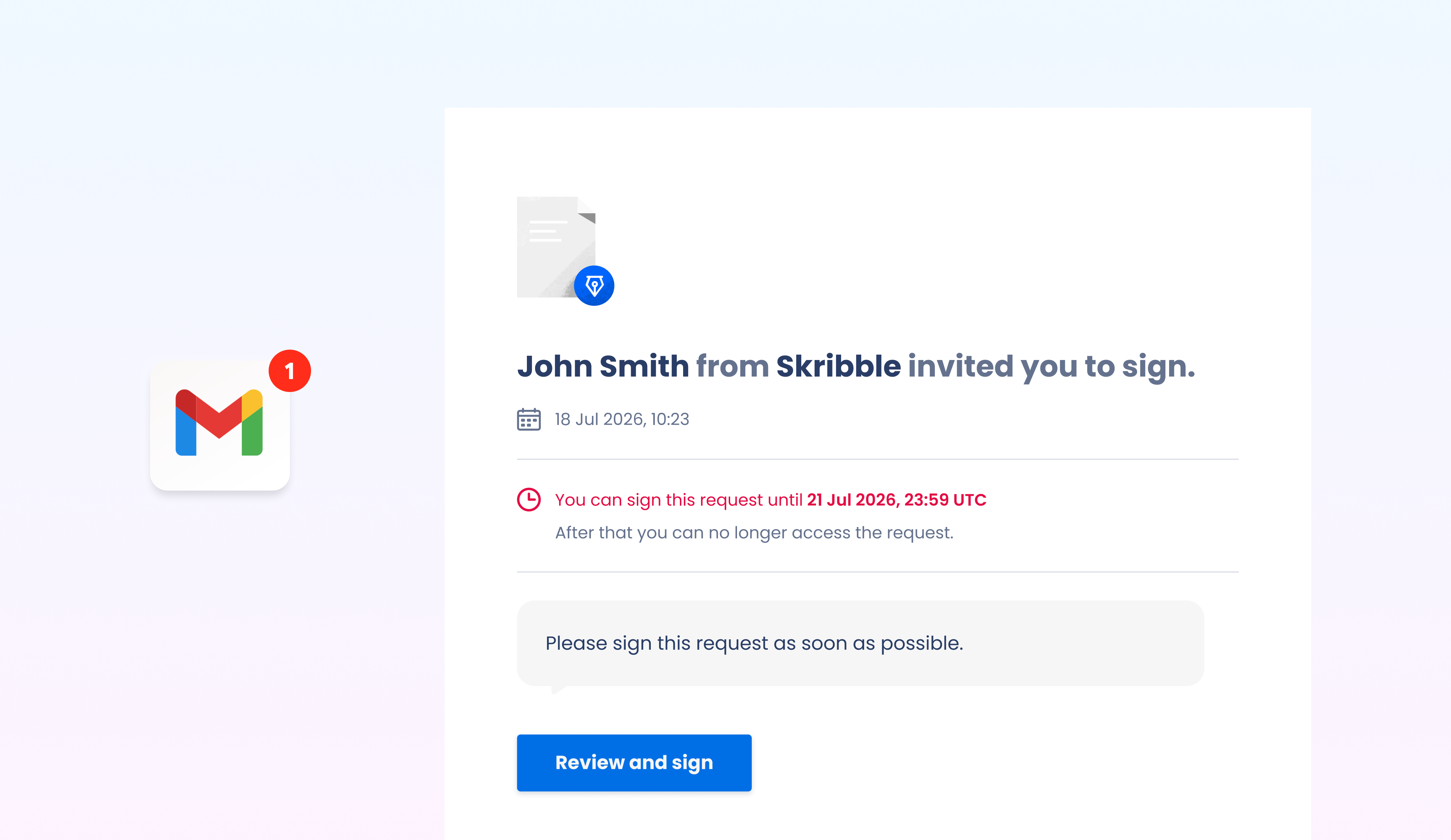
And in every email signers receive.
What happens when a request expires
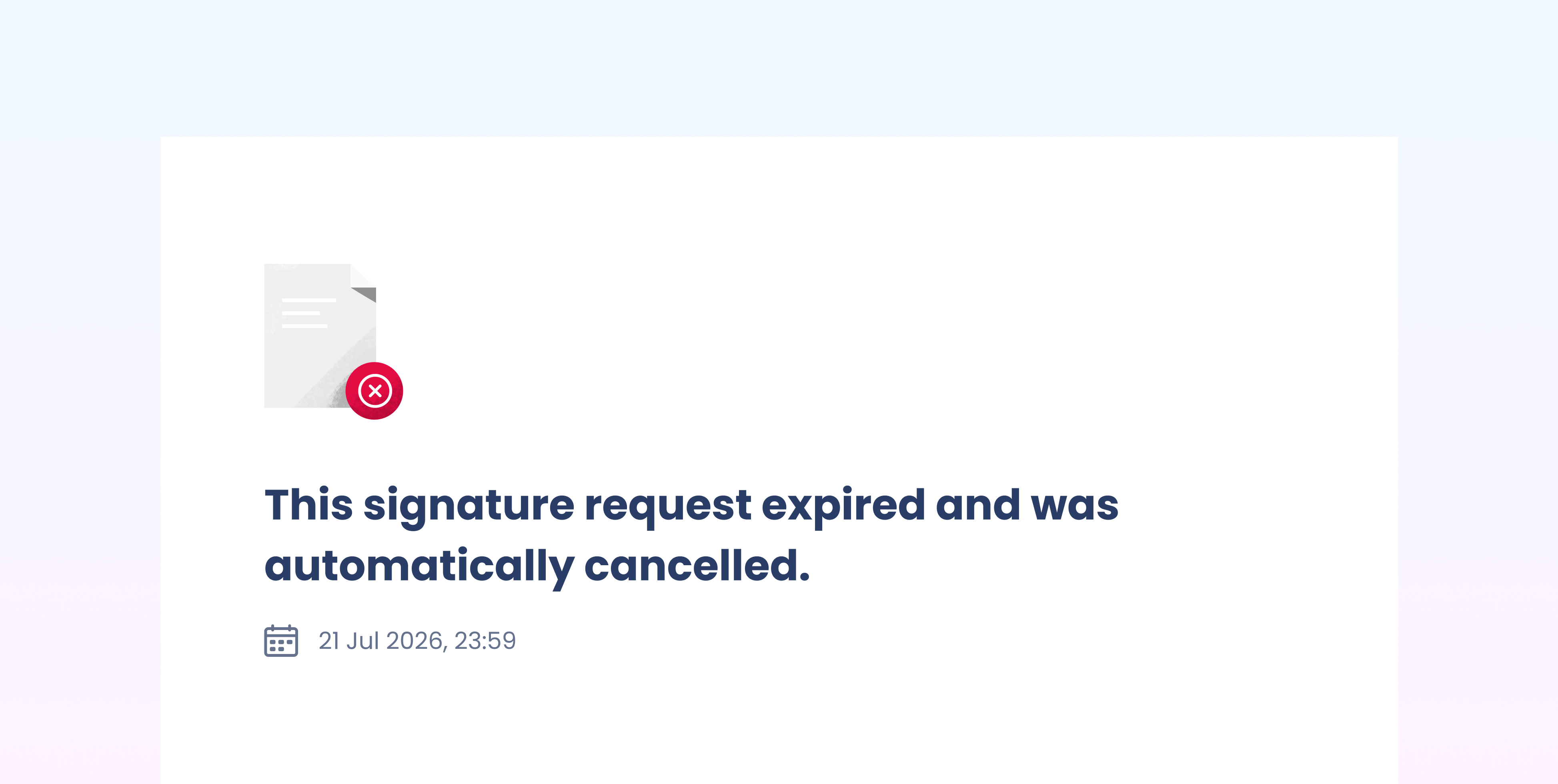
The request is cancelled automatically and can no longer be signed. Signatures collected before the deadline remain valid, meaning you can still download the partially signed document from your account.
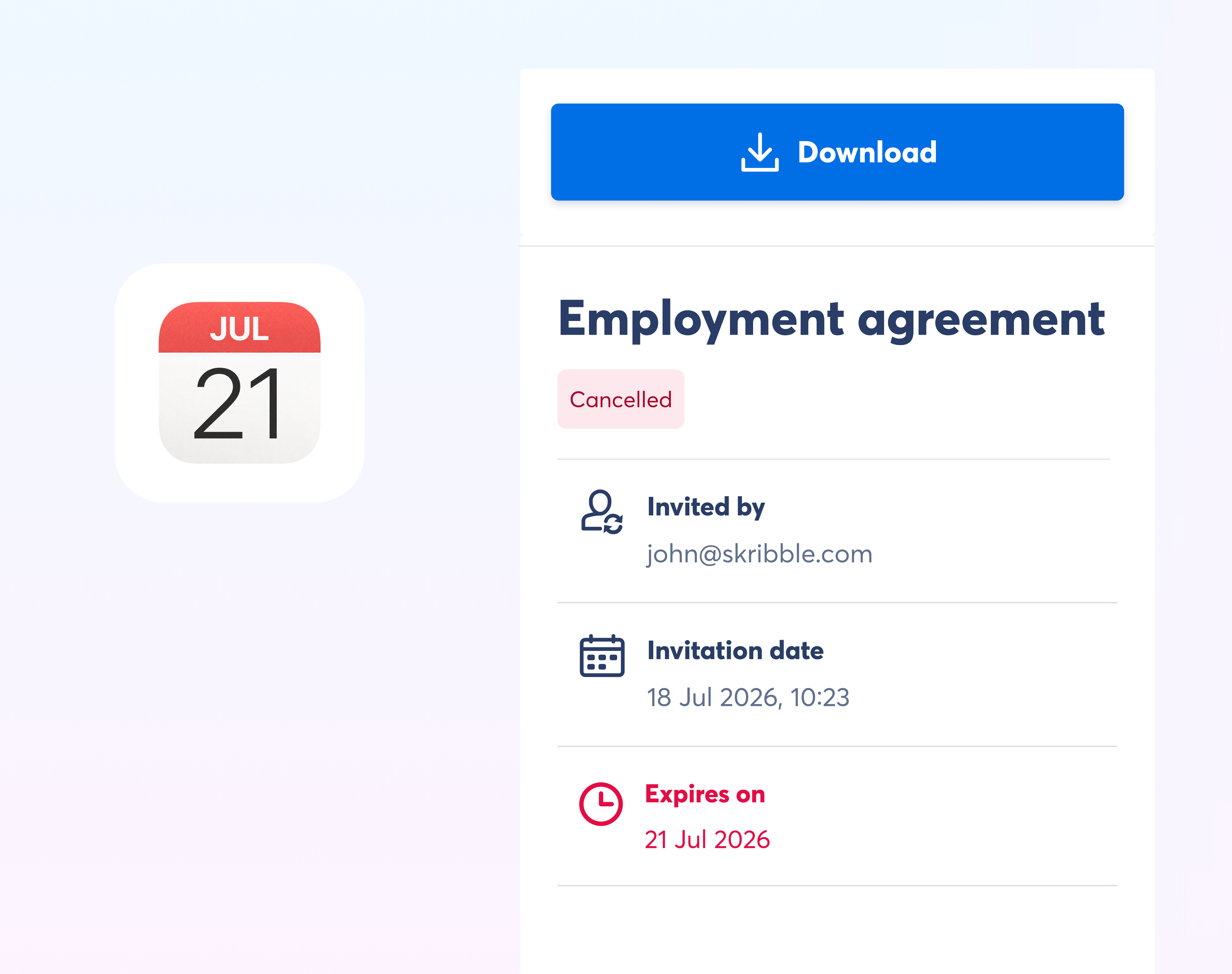
You and all signers receive an email confirming the request has expired, and signers no longer have access to the signature request. If the document still needs signing, you can send a new request.